

Are you searching for the best AI platform to make music videos for social media in 2026? The right answer depends on your workflow. AI generative platforms build video scenes from a text or image prompt.
Table of Contents
No camera or footage is required. AI-powered auto editors work differently. They take footage or photos you already own and cut them to the beat automatically.
This list covers both camps instead of blending them together. Kaiber, Runway, Pika, and Luma AI Dream Machine fall into the generative camp. Each one turns a prompt or image into original video. CapCut, Kapwing, Veed.io, Vimeo Create, Filmora, and InVideo AI fall into the auto-editing camp.
Each one handles beat sync, captions, or templates for footage you already have. Not every tool here solves the same problem, so the goal is to help you pick the right one instead of assuming all ten do the same job.
10 Best AI Platforms to Make Music Videos for Social Media
1. Kaiber

Core Strength: Kaiber generates fully animated video from a single audio track. It reads the rhythm of the song and builds visuals that move with the beat. Artists use it to create music videos with no camera and no set.
Pricing: Kaiber runs on a credit-based subscription. Entry plans generally start in the $15 to $20 a month range for a limited number of monthly generations. Higher tiers unlock more credits and faster rendering, often landing between $30 and $70 a month. Credit limits and tier names shift often, so confirm current pricing directly on Kaiber’s site.
Best Suited For: Independent artists who want a fully animated music video without filming anything.
Pros & Cons: Kaiber covers a wide style range, from anime to cinematic to abstract, all in one platform. The beat-reactive animation actually syncs to the track instead of just looping. On the downside, credits run out fast on lower tiers. Output can feel repetitive across longer videos. Fine control over specific scenes is limited compared with prompt-based tools like Runway.
2. Runway

Core Strength: Runway’s Gen model line generates realistic and stylized video from text or image prompts. It handles camera movement and lighting well enough to use as music video b-roll.
Pricing: A limited free trial is available. Paid plans are generally reported around $12 to $15 a month for an entry tier billed annually. Higher tiers move toward $30 to $95 a month for more generation minutes and priority rendering. Enterprise pricing is custom. These numbers shift as new model versions ship, so check Runway’s site before budgeting.
Best Suited For: Creators who want cinematic AI-generated scenes to cut between live performance footage.
Pros & Cons: Runway leads the generative field on visual realism. Tools like motion brush and background removal are genuinely useful for editing. On the downside, high-quality generations use up credits fast. Rendering can slow down during peak hours. The learning curve is steeper than simpler tools like Pika.
3. Pika
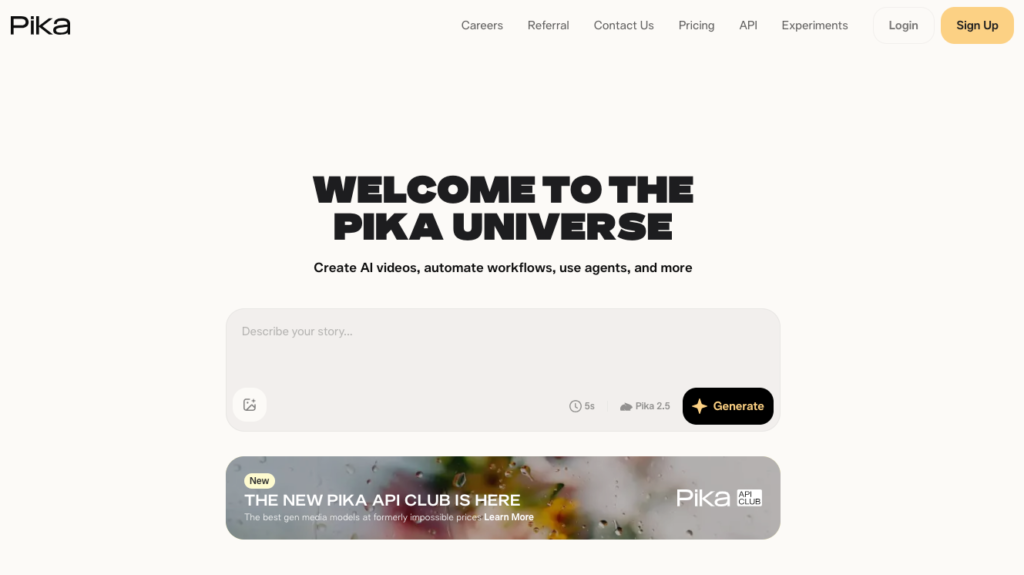
Core Strength: Pika focuses on short, fast AI video generation instead of long cinematic scenes. Prompts turn into short clips within minutes, which suits quick social content.
Pricing: A free tier covers limited generations with a watermark. Paid plans are generally reported to start around $10 a month for an entry tier. Higher tiers move toward $35 to $60 a month for more generations and no watermark. Confirm current tiers on Pika’s site, since pricing in this category changes often.
Best Suited For: Creators making frequent short music clips for TikTok and Reels.
Pros & Cons: Pika is fast and simple to prompt, which suits high-volume short-form output. On the downside, clips are short by design. Visual consistency across multiple generations can be tricky. It is not built for longer, narrative-style music videos.
4. Luma AI Dream Machine

Core Strength: Dream Machine generates smooth, realistic video with strong camera motion. It works from text prompts or images, including album art or press photos.
Pricing: A free tier allows a small number of monthly generations. Paid plans are generally reported to start around $10 a month for a lite tier. Higher tiers move toward $30 to $100 a month for more resolution and volume. Luma’s pricing has shifted more than once, so check current tiers directly before publishing exact numbers.
Best Suited For: Artists who want realistic, film-like visuals without a physical shoot.
Pros & Cons: Motion quality and camera panning are among the smoothest in the generative category. Image-to-video generation works well from a single photo. On the downside, longer generations are still limited in length. Heavier use can get expensive fast on higher tiers.
5. CapCut

Core Strength: CapCut combines mobile editing with AI features built for social video. Auto beat sync, AI background tools, and a large music video template library are all included.
Pricing: The core app is free. CapCut Pro is generally priced around $9.99 a month, or roughly $89.99 to $99.99 a year, for advanced AI tools and extra export options. Regional pricing can vary, so check current rates in the app.
Best Suited For: Creators who want a mobile-friendly, all-in-one app for editing existing footage.
Pros & Cons: CapCut is easy to learn, and the beat sync feature works well on real footage. The free tier covers most basic needs. On the downside, some AI features are locked behind Pro. Heavier projects can run slower on older phones.
6. Kapwing
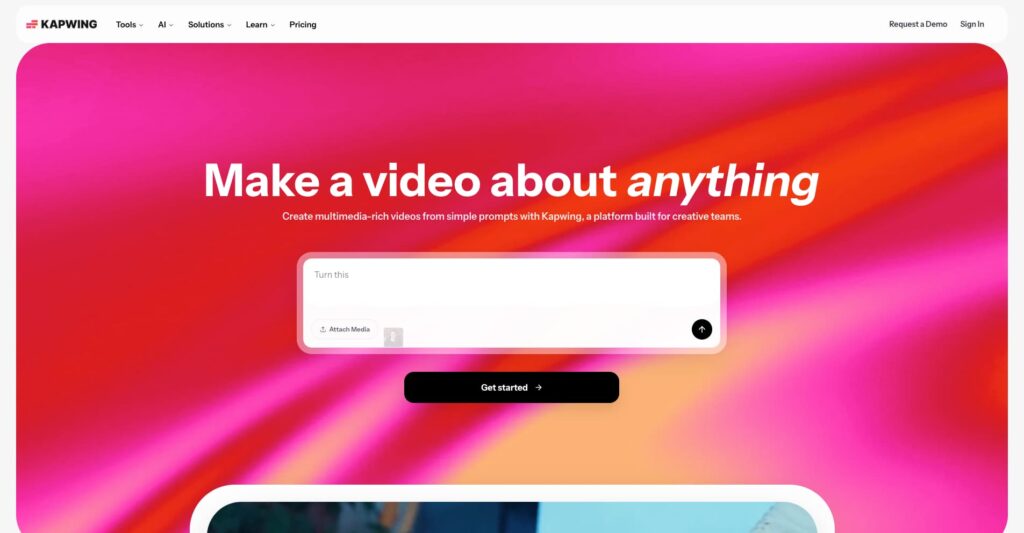
Core Strength: Kapwing is a browser-based editor with AI captioning, smart resizing, and rhythm-aware cutting. That combination suits lyric-driven content well.
Pricing: A free tier covers basic exports with limits on length and resolution. Paid plans are generally reported in the $16 to $24 a month range, depending on annual or monthly billing. Business tiers are priced separately for teams. Confirm current numbers on Kapwing’s site before publishing exact figures.
Best Suited For: Teams producing lyric videos or caption-heavy content on a deadline.
Pros & Cons: Kapwing’s collaborative editing works well for teams. Smart resize saves real time when exporting to multiple platforms at once. On the downside, the free tier adds a watermark. Heavier AI features are gated behind paid plans.
7. Veed.io

Core Strength: Veed.io pairs AI editing with music-specific tools. Automatic audiovisualizers and subtitle syncing are both designed for lyric videos.
Pricing: A free tier is available with watermarked exports. Paid plans are generally reported starting around $12 to $18 a month for an entry tier. Higher tiers move toward $24 to $30 a month for more resolution and longer exports. Business pricing is quoted separately. Confirm current numbers directly on Veed’s site.
Best Suited For: Solo creators who want polished lyric videos without a steep learning curve.
Pros & Cons: The interface is clean and approachable for beginners. The built-in audio visualizer saves real editing time. On the downside, longer or more complex projects push users toward pricier tiers quickly.
8. Vimeo Create

Core Strength: Vimeo Create is built on the technology behind the earlier Magisto app. It automatically arranges footage and photos to match the rhythm of a chosen track, with almost no manual editing required.
Pricing: Vimeo Create is bundled inside Vimeo’s broader plans rather than sold alone. Entry tiers are generally reported starting around $20 a month, with higher tiers moving well beyond that for teams and advanced features. Vimeo’s plan names and pricing have shifted more than once, so check current tiers directly.
Best Suited For: Users who want a finished video with almost no manual editing.
Pros & Cons: The automatic scene selection saves real time for users with no editing background. Output quality is solid for a fully automated tool. On the downside, creative control is limited compared with manual editors. It is bundled with a broader Vimeo subscription instead of sold as a standalone tool.
9. Wondershare Filmora

Core Strength: Filmora blends traditional timeline editing with AI tools like auto beat sync, AI audio stretch, and motion tracking. That gives more manual control than pure generation tools.
Pricing: Filmora offers both subscription and one-time license options. Subscriptions are generally reported around $19.99 to $49.99 a year for personal use. A perpetual license option is often priced around $79.99. Cross-platform bundles cost more. Confirm current pricing on Filmora’s site, since promotional pricing changes often.
Best Suited For: Editors who want AI assistance alongside full manual editing control.
Pros & Cons: The one-time license option is rare in this category and appeals to users who dislike subscriptions. The AI audio stretch feature genuinely helps match clips to a beat. On the downside, the interface has more of a learning curve than simpler mobile apps. Some AI features require the pricier bundle.
10. InVideo AI

Core Strength: InVideo AI turns a text prompt or script into a full first draft video. Scene selection and transitions are automatically timed to the music.
Pricing: A free trial is available with watermarked exports. Paid plans are generally reported to start around $25 to $30 a month for an entry tier. Higher tiers move toward $50 to $60 a month for more generation minutes and premium assets. Confirm current tiers on InVideo’s site before publishing exact numbers.
Best Suited For: Creators who prefer describing a concept and editing the AI’s first draft.
Pros & Cons: The prompt-to-video workflow saves real time on a first draft. The template library covers most social formats out of the box. On the downside, AI-generated drafts often need manual cleanup. Heavier use can get expensive on higher tiers.
Most creators end up using one generative platform for original visuals alongside one auto editor for fast, beat-synced content. Betting everything on a single tool rarely works as well. The two camps solve different problems and tend to work best side by side instead of as replacements for each other.
Conclusion
Most creators end up using one generative platform for original visuals alongside one auto editor for fast, beat-synced content. Betting everything on a single tool rarely works as well.
The two camps solve different problems and tend to work best side by side instead of as replacements for each other.