

Are you looking for the best video editing apps for social media in 2026? The right answer depends on how much control you need. Mobile apps handle quick edits directly on your phone, built for speed over precision. Desktop and browser-based editors offer greater editing depth, often with built-in captions, templates, or team features.
This list covers both camps instead of blending them together. CapCut, InShot, VN Video Editor, KineMaster, and Videoleap fall into the mobile-first camp. Each one edits fast, right from your phone, with little to no learning curve. Canva, Veed.io, Clipchamp, Adobe Premiere Rush, and Descript fall into the desktop and browser camp.
Each one adds more editing depth, team features, or caption tools. Not every app here solves the same problem, so the goal is to help you pick the right one instead of assuming all ten do the same job.
Table of Contents
10 Best Video Editing Apps for Social Media
1. CapCut

Core Strength: CapCut is a free, mobile-first editor built for short-form social video. Auto captions, beat sync, and a large template library make fast edits simple.
Pricing: The core app is free. CapCut Pro is generally priced around $9.99 a month, or roughly $89.99 to $99.99 a year, for advanced AI tools and extra export options. Regional pricing can vary, so check current rates in the app.
Best Suited For: Creators who want a fast, all-in-one app for editing footage on the go.
Pros & Cons: CapCut is easy to learn, and the template library saves real editing time. The free tier covers most basic needs. On the downside, some AI features are locked behind Pro. Heavier projects can run slower on older phones.
2. InShot
Core Strength: InShot is a simple mobile editor built around trimming, filters, and music syncing. Its interface strips away complexity, which suits creators who just want a clean, fast edit.
Pricing: The free version adds a small watermark. InShot Pro is generally reported to be around $3.99 a month, $14.99 to $19.99 a year, or a one-time lifetime purchase near $29.99 to $39.99. Confirm current pricing directly on InShot’s site, since options change by platform.
Best Suited For: Beginners who want a straightforward mobile editor without a steep learning curve.
Pros & Cons: InShot is easy to pick up on day one, and export quality holds up well for Instagram and TikTok. On the downside, advanced effects are limited compared with more powerful apps. The free version’s watermark pushes most active users toward Pro quickly.
3. VN Video Editor
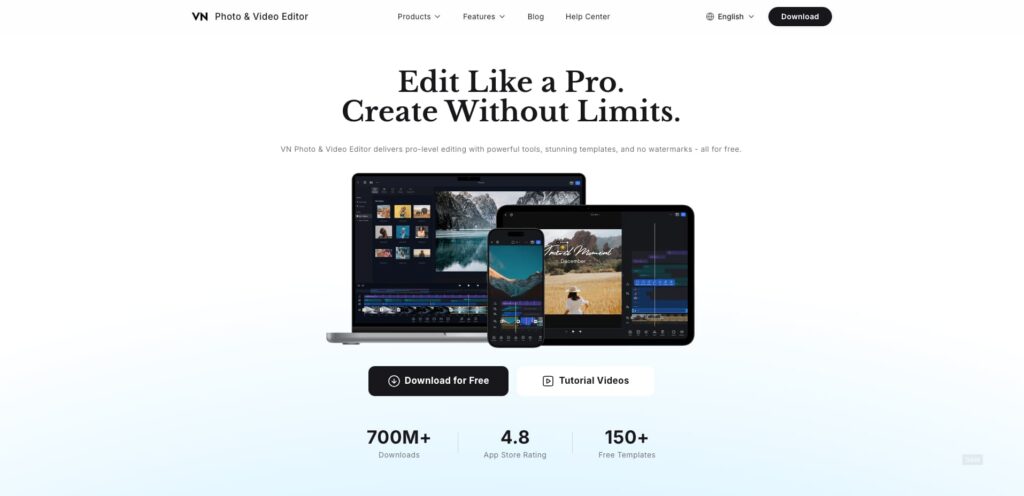
Core Strength: VN is a mobile editor that offers a surprisingly deep toolset, including keyframes, curves, and layered audio, without charging for most of it.
Pricing: VN is largely free, with no watermark on standard exports. A Pro tier unlocks extra effects and cloud features, generally reported in a low monthly or yearly range. Since VN’s monetization model has shifted before, check the app for current Pro pricing.
Best Suited For: Creators who want desktop-level editing tools inside a free mobile app.
Pros & Cons: VN offers real timeline control most free apps skip entirely, and exports come out clean with no forced watermark. On the downside, the deeper features take longer to learn than InShot or CapCut. Occasional bugs show up after major updates.
4. KineMaster

Core Strength: KineMaster has offered layered, multi-track mobile editing for years, including audio ducking, chroma key, and precise trimming.
Pricing: The free version adds a watermark and a KineMaster logo. Premium is generally reported around $4.99 a month or $39.99 a year to remove the watermark and unlock the full asset library. Confirm current tiers directly in the app.
Best Suited For: Mobile editors who want multi-track control closer to a desktop editor.
Pros & Cons: KineMaster’s layer-based timeline gives real creative control most mobile apps do not offer. Chroma key support is a genuine standout at this price point. On the downside, the interface feels dated next to newer apps, and the free tier’s watermark is hard to ignore.
5. Videoleap
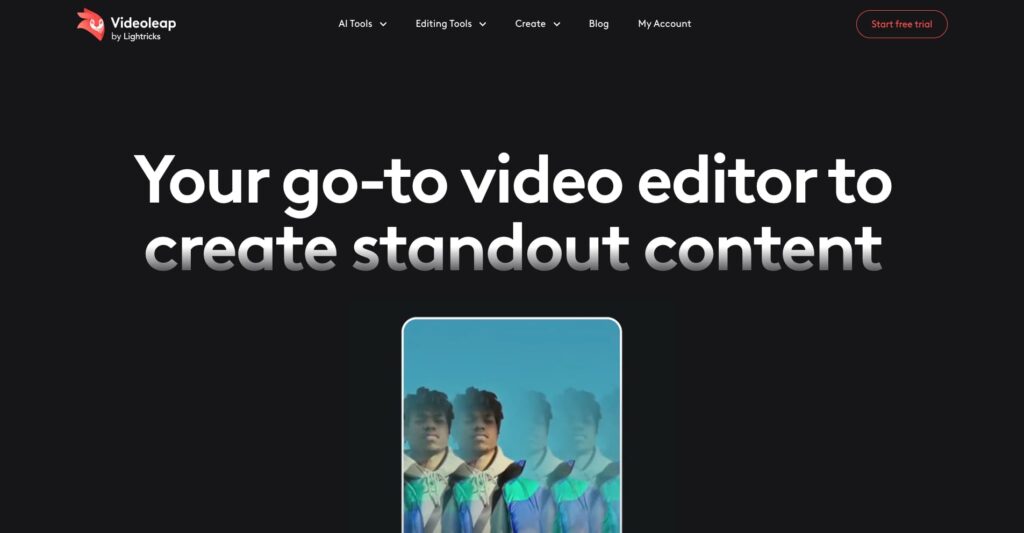
Core Strength: Videoleap, built by Lightricks, blends mobile editing with AI-powered effects, including background removal and generative tools layered into a standard timeline.
Pricing: A free tier covers basic edits. Paid access is generally reported around $9.99 a month standalone, or bundled into Lightricks’ broader subscription near $14.99 a month or $89.99 a year. Confirm current bundle pricing on Lightricks’ site.
Best Suited For: Creators who want AI effects layered into a familiar timeline-based editor.
Pros & Cons: The AI tools genuinely go further than most mobile editors, especially for background and object removal. The interface stays approachable despite the added power. On the downside, the best features sit behind the pricier bundle rather than the standalone app.
6. Canva

Core Strength: Canva extends its design tool into video, with templates built specifically for social formats like Reels, Shorts, and Stories.
Pricing: A free tier covers basic video creation. Canva Pro is generally reported around $12.99 a month or $119.99 a year, unlocking premium templates, stock footage, and background removal. Confirm the current pricing on Canva’s site, as regional pricing can vary.
Best Suited For: Creators and small teams who already design graphics in Canva and want video in the same workspace.
Pros & Cons: Canva’s template library is enormous and genuinely fast to work with for branded content. Team collaboration features are strong for small businesses. On the downside, precise frame-by-frame editing is limited compared with dedicated video apps.
7. Veed.io
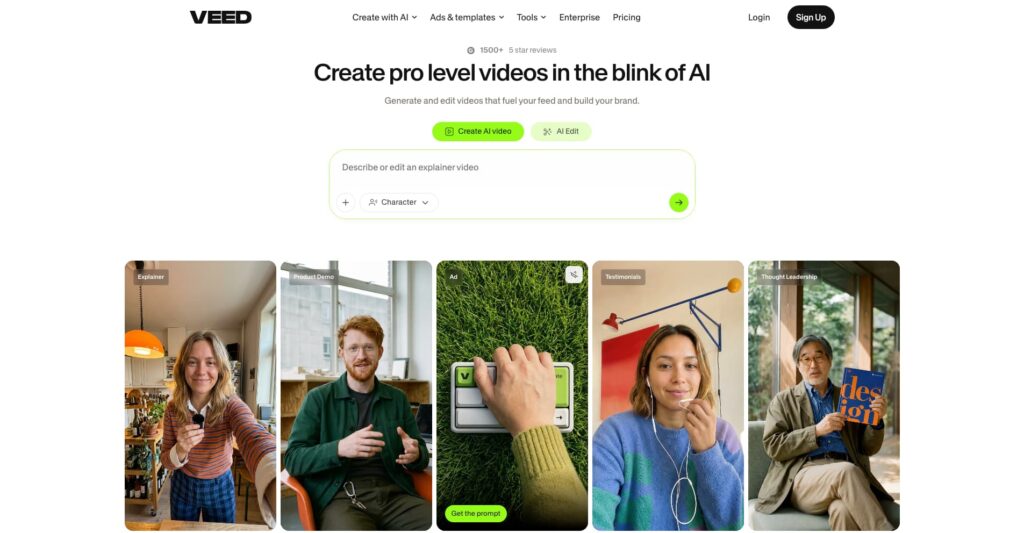
Core Strength: Veed.io is a browser-based editor built around auto captions, subtitle translation, and quick trimming for social clips.
Pricing: A free tier is available with watermarked exports. Paid plans are generally reported to start around $12 to $18 a month for an entry tier. Higher tiers move toward $24 to $30 a month for more resolution and longer exports. Confirm current numbers directly on Veed’s site.
Best Suited For: Creators who want fast, browser-based editing with strong caption tools.
Pros & Cons: The auto-caption accuracy is genuinely strong across several languages. No software install is needed since everything runs in the browser. On the downside, longer or more complex projects push users toward pricier tiers quickly.
8. Clipchamp
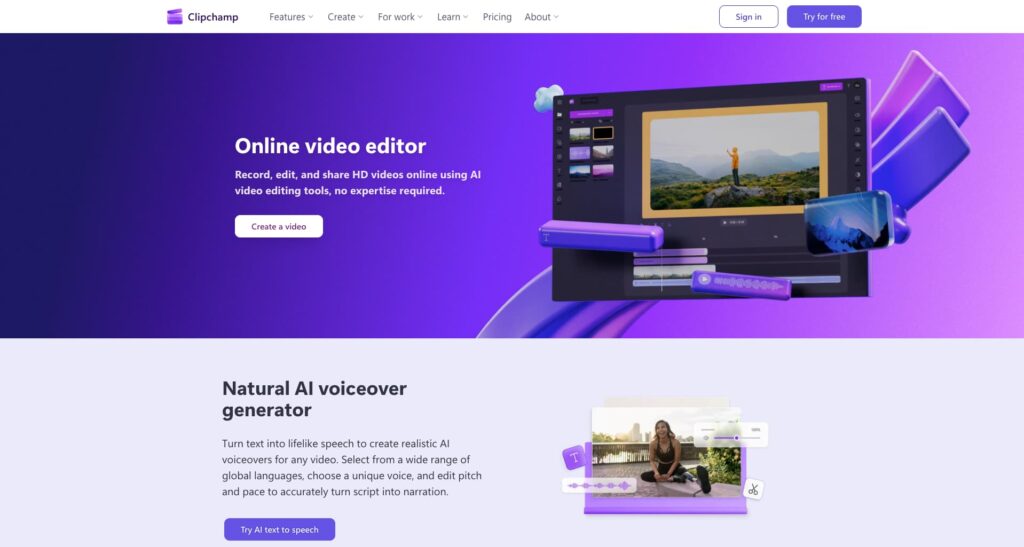
Core Strength: Clipchamp, owned by Microsoft, is a browser-based editor with a simple timeline, stock library, and templates built for quick social exports.
Pricing: A free tier covers most basic editing. Premium content and features are generally bundled into Microsoft 365 Personal, reported around $6.99 a month or $69.99 a year, or offered as a standalone Clipchamp plan near $11.99 a month. Confirm current bundling on Microsoft’s site.
Best Suited For: Users already on Microsoft 365 who want video editing without a new subscription.
Pros & Cons: Clipchamp is approachable for total beginners and the Microsoft 365 bundle adds real value for existing subscribers. On the downside, advanced effects lag behind dedicated video apps, and premium stock assets require the paid tier.
9. Adobe Premiere Rush

Core Strength: Premiere Rush is Adobe’s simplified, cross-platform editor, syncing projects between phone, desktop, and web for creators who post across multiple channels.
Pricing: A limited free tier is available. Premiere Rush is generally reported around $9.99 a month standalone, or included with Adobe Creative Cloud All Apps plans priced well above that. Confirm current pricing directly on Adobe’s site.
Best Suited For: Creators who want Adobe-level polish with an easier learning curve than full Premiere Pro.
Core Strength: Cross-device sync is genuinely useful for creators who start an edit on their phone and finish on a laptop. Output quality is a real step up in polish. On the downside, the free tier’s export limit is restrictive, and full Creative Cloud pricing is steep for casual users.
10. Descript

Core Strength: Descript edits video by editing text. Cutting a transcript cuts the matching video, which speeds up talking head and clip-based social content dramatically.
Pricing: A free tier covers limited transcription minutes. Paid plans are generally reported starting around $12 a month for a Creator tier, moving toward $24 a month for a Pro tier with more transcription and export minutes. Confirm current tiers on Descript’s site.
Best Suited For: Creators editing talking head videos, podcast clips, or interview-based social content.
Pros & Cons: Editing by text is a genuine time saver for anyone cutting spoken word content. The AI voice cleanup tools are a real standout. On the downside, it is less suited to music-driven or heavily visual edits than timeline-based apps.
Conclusion
Most creators end up using one mobile app for quick, on-the-go edits alongside one desktop or browser tool for anything needing more depth. Betting everything on a single app rarely covers every situation. The two camps solve different problems and tend to work best side by side instead of as replacements for each other.